A high-converting landing page is important for converting clicks into consumers in the quick-paced world of online marketing. Although a variety of specialist services offer a simple path to success, WordPress’s adaptability continues to be the best long-term basis for your lead generating approach. Selecting WordPress for your landing pages offers unmatched versatility, cost effectiveness, and control that specialized, third-party solutions just cannot match. In this article, you’ll see a comparison of 3rd party landing or lead page services, as well as why you should create your landing pages using WordPress, and some bonus content at the end to help you on the way.
What is a landing page
A landing page is a separate web page specifically developed for marketing or advertising initiatives. Visitors “land” on this page after clicking a link from an email, an online advertisement, or a search result. A landing page is entirely focused on a single objective, or Call-to-Action (CTA), to optimize conversions, in contrast to a homepage that provides general navigation.
Its principal function is to encourage a visitor to take a certain, desired action. Examples of what a landing page does include: generating leads by delivering a free e-book or webinar in exchange for the visitor’s email address (lead capture), or driving a direct sale by presenting a specific product offer with a clear “Buy Now” button (click-through).
Specialized Landing Page Services
It’s important to know about the market for well-known landing page builders before looking into WordPress’s advantages. Although these services are frequently commended for their user-friendliness and integrated marketing tools, they have drawbacks.
- Leadpages
- Unbounce
- Instapage
- ClickFunnels
- Webflow
Leadpages
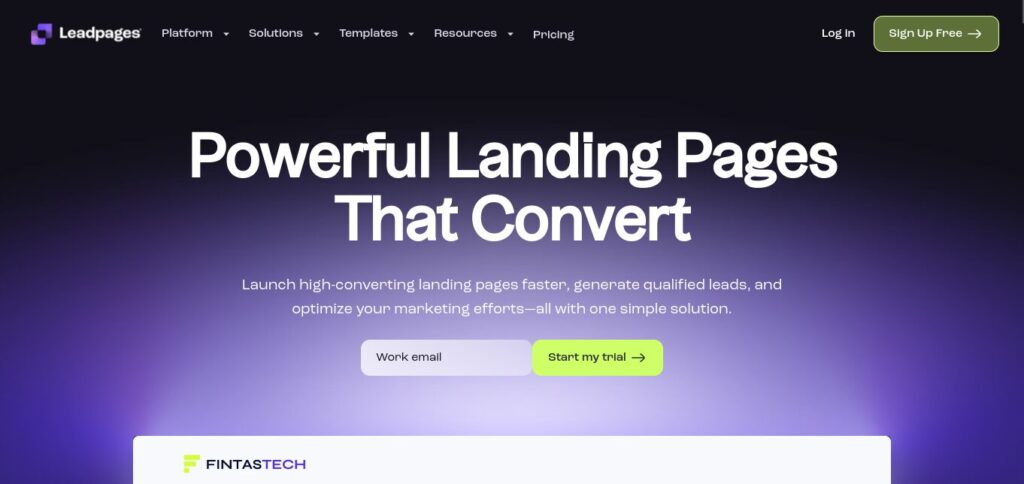
Leadpages is a platform that uses a drag-and-drop editor and an extensive collection of mobile-responsive templates to quickly create high-converting landing pages, websites, pop-ups, and alert bars. It offers integrated capabilities like A/B testing, lead notifications, and digital file delivery and is intended for marketers who wish to create campaigns rapidly. For novices seeking a straightforward, comprehensive lead capture solution, the service is excellent.
Cons:
- High, Recurring Subscription Cost: The premium, recurring subscription model used by Leadpages is priced either monthly or annually. You might feel obligated to switch to more expensive tiers when your traffic or feature requirements (such as A/B testing or deeper integrations) increase, resulting in a fixed, inevitable overhead cost for each month you host your sites.
- Vendor Lock-in & Lack of Ownership: The proprietary Leadpages system serves to create and host the content and design of your landing page. You will completely lose that asset if you ever decide to stop using the service because it is very difficult or impossible to move your pages to a new platform.
- Limited Customization & Design Flexibility: Leadpages restricts the level of customization, despite the drag-and-drop builder’s ease of use. It is difficult to produce genuinely original, pixel-perfect designs that precisely satisfy intricate branding criteria because you are limited to the platform’s visual interface and available elements.
- SEO and Subdomain Dilution: Your landing pages will be hosted on a Leadpages subdomain (such as yourcompany.leadpages.co) if you do not host your page on a custom domain. The authority of your principal domain may be weakened as a result, and the page’s inbound links and SEO value may not naturally flow back to your main website.
- Integration and Feature Limitations: Many important features, like premium connectors, specialized lead notification systems, and integrated A/B testing, are sometimes restricted to higher-tier plans. You’re out of luck if a certain marketing tool or custom workflow isn’t supported.
Unbounce
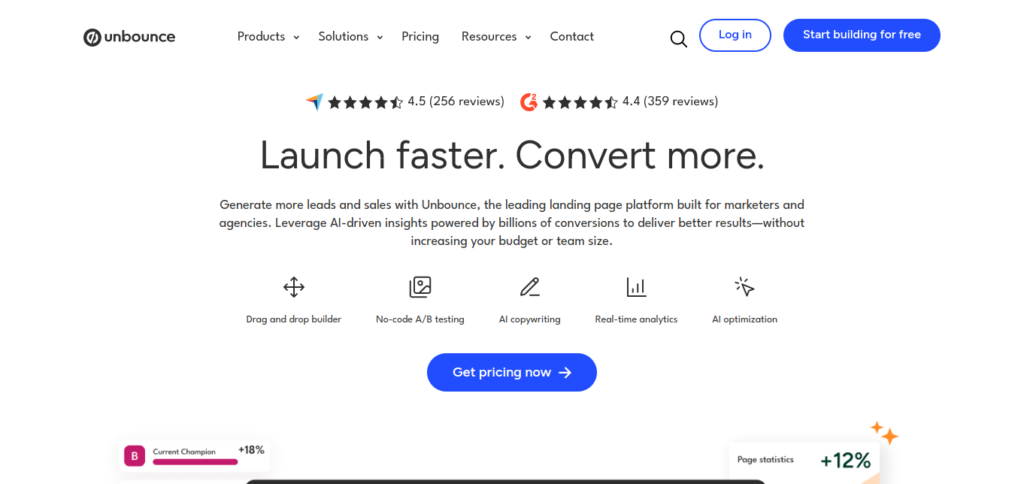
Marketers can create, test, and improve unique landing pages without knowing any code thanks to Unbounce, a conversion intelligence platform. An easy-to-use drag-and-drop builder, integrated A/B testing, and AI-powered tools like Smart Traffic—which automatically directs users to the page version where they are most likely to convert—are some of its salient features. Performance marketers that value ongoing optimization and sophisticated testing features are the target audience for Unbounce.
Cons:
- Expensive Pricing & Limited Page Views: One of the more costly specialized systems is Unbounce, and importantly, its cost is frequently linked to visitor or conversion caps. If your campaign is very successful, you run the danger of having your pages temporarily disabled for surpassing a predetermined page view or conversion cap, or of being immediately transferred to a far more expensive tier.
- Limited Integration with Core Website: Unbounce is intended for stand-alone landing pages, which are distinct from your primary business website, blog, and online store. As a result, you have to oversee two distinct platforms, two administrative dashboards, and two content repositories.
- Vendor Lock-in and Migration Difficulty: Pages made in Unbounce’s specific environment cannot be readily exported as functional HTML/CSS/JavaScript and transferred to another platform, similar to other proprietary builders. In simple terms, you are renting your page designs, and you will not be able to access your campaign materials if you terminate the service.
- Lack of True CMS/Blogging Functionality: Unbounce is not a content management system (CMS), yet it works great for static lead-capture pages. Unbounce is not the best option if you need to maintain a blog, incorporate dynamic elements, or create a multi-page help area.
- Reliance on Smart Traffic (AI) for Optimization: Unbounce actively promotes its AI-driven features, such as Smart Traffic, which directs users to the optimal version. Although helpful, it implies you have to rely on a black-box algorithm to handle an important conversion approach. Your ability to manually manage A/B testing and obtain precise, useful insights for non-Unbounce campaigns is hampered by this reliance.
Instapage
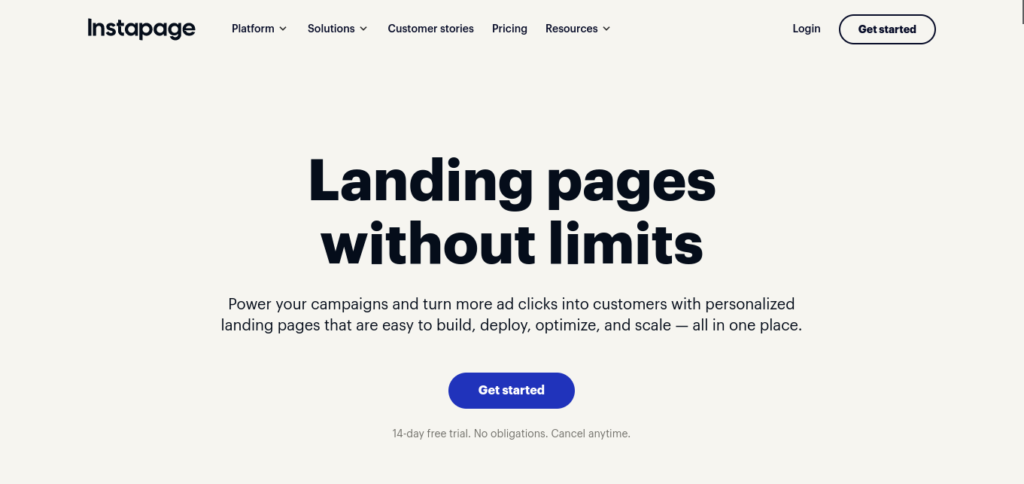
Instapage is a platform that specializes in producing large-scale, customized post-click landing page experiences, particularly for digital advertising campaigns. It has built-in collaboration tools for team review, Instablocks for reusable content portions, and the AdMap visualization tool to link advertising to pertinent pages. The platform’s primary goal is to maximize ad spend return on investment by creating hyper-relevant, quick-loading pages.
Cons:
- Extremely High Barrier to Entry Cost: One of the priciest specialized landing page builders is Instapage, with plans that start at a high monthly cost (typically over $150 when billed monthly). Importantly, several essential capabilities, such as global content blocks, heatmaps, and A/B testing, are sometimes restricted to the most expensive Optimize plan or a custom-priced Enterprise plan.
- Strict Visitor Limits on Paid Plans: Even with their costly paid plans, Instapage imposes strict limits on the quantity of unique monthly visitors or page views permitted. Scaling becomes unpredictable and expensive when this limit is exceeded because it frequently results in an instant, obligatory upgrade to a much more expensive tier or overage penalties.
- Lack of Comprehensive Website Functionality: Instapage is exclusively intended for post-click experiences and landing sites. The capabilities necessary to run an entire website, blog, e-commerce business, or membership area are entirely absent. This necessitates that companies maintain and pay for a different, parallel CMS (such as WordPress).
- Limited Widget/Element Ecosystem: In comparison to third-party environments, Instapage’s library of specialized widgets—pre-built components for forms, pricing tables, testimonials, etc., is very small, despite the fact that it provides outstanding design tools. Basic blocks must be manually combined to create complicated, custom items.
- Vendor Lock-in with Portability Issues: Instapage’s platform is exclusive to pages made with its proprietary editor and features. To transfer your exquisitely designed pages as functional code (HTML/CSS) to another host or content management system, there are no native, dependable export functions.
ClickFunnels
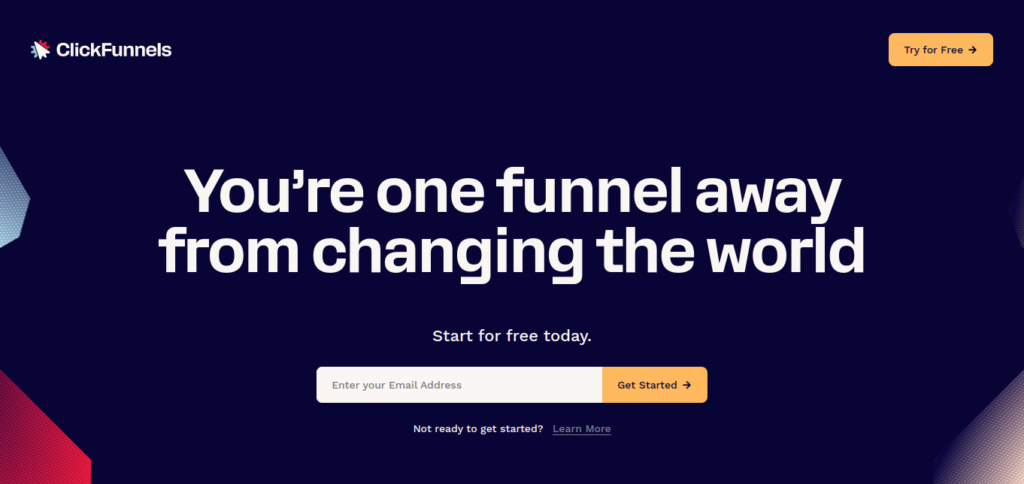
An all-in-one sales funnel builder called ClickFunnels assists business owners in creating a sequence of web pages meant to lead a client through a certain sales process. Its main strength is integrating all the required components—landing pages, order forms, membership sections, and email sequences—into a unified and automated sales process, even if it also involves landing page design. Course designers and companies that sell expensive digital or tangible goods frequently employ it.
Cons:
- High, Recurring Subscription Cost: The pricey, all-in-one SaaS platform ClickFunnels has subscription tiers that start at about $97 per month and rapidly increase in order to gain access to more sophisticated services (such as the Affiliate Center or bigger email limitations). Regardless of results, this ongoing price is a substantial fixed company cost.
- Limited Customization & Design: Although ClickFunnels provides good templates and is specifically designed for high-conversion funnels, its design versatility is restricted to the editor and functional limitations of the platform. It is challenging or impossible to create intricate, non-funnel-related layouts or highly customized, distinctive branding.
- Vendor Lock-in and Asset Portability: The pages and funnels you create in ClickFunnels are difficult to export as functional code (HTML/CSS/JS) because it is a proprietary SaaS. You become heavily dependent on the platform because you can no longer host and access those essential marketing assets if you stop paying the subscription.
- Poor Platform for SEO and Content Marketing: ClickFunnels lacks the strong architecture and native capabilities (such as sophisticated SEO plugins) required for long-term organic search visibility because it is primarily intended for paid traffic funnels. Subdomains are frequently used to host pages, which might weaken the authority of your primary website.
- Lack of Full Website Functionality: Although ClickFunnels is great for funnels, it doesn’t have all the features of a complete CMS. It takes several tools and platforms to create a blog, a thorough About Us page, a careers section, or an intricate e-commerce store with product management.
Webflow
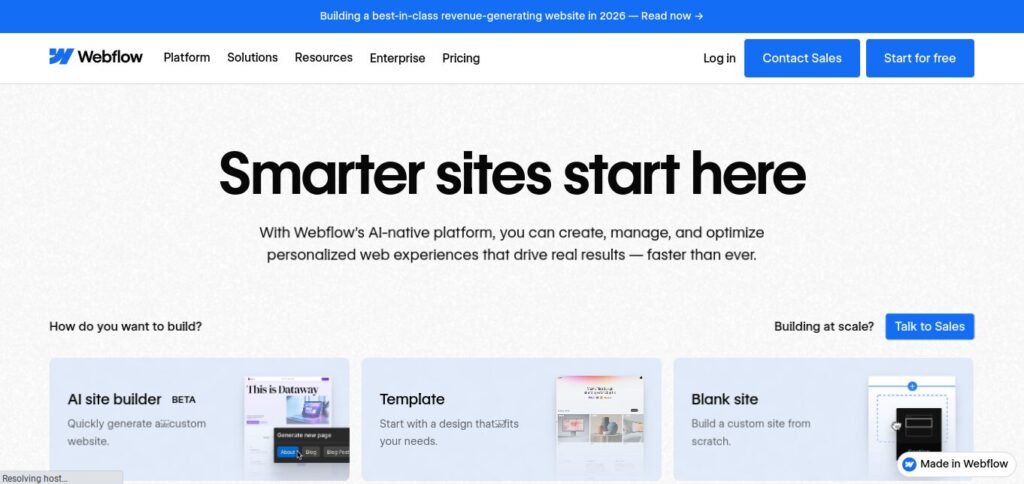
Webflow is a remarkable visual web design tool and content management system that produces clear, semantic code, enabling pixel-perfect design control over each component. Its versatility makes it an appealing option for designers and developers who want unique landing pages and full websites without the limitations of conventional themes or coding from scratch, even though it isn’t only a landing page builder. It is excellent at building intricate, highly personalized, and adaptable online experiences.
Cons:
- Higher and Less Flexible Pricing: Webflow uses a Software as a Service (SaaS) subscription business model. The cost includes high-performance hosting, CMS, and access to your visual builder. Webflow’s all-in-one pricing model is generally higher and less flexible, especially when you need to scale up or require features from a higher-tier plan.
- Limited Plugin and App Ecosystem: Although Webflow’s ecosystem is relatively tiny, it offers a carefully controlled marketplace of apps and connectors. Instead than mostly depending on third-party extensions, it concentrates on incorporating strong native features. Adding intricate or highly specialized features to Webflow frequently necessitates the use of custom code or integration with external technologies like Zapier, which can raise development costs and complexity.
- CMS Limitations for Large or Complex Content: Although Webflow has a content management system (CMS), it is frequently simpler and has more restrictions than WordPress, which started out as a specialized blogging and content management system. The amount of CMS items (such as blog posts, products, and case studies) under Webflow’s CMS plans is strictly limited; these limits usually begin at 2,000 items and need a more costly upgrade for larger limits. Additionally, Webflow’s key blogging features, such as built-in commenting systems, and relational content features, such as linking numerous categories, tags, and other data kinds, are either less reliable or necessitate workarounds.
- Vendor Lock-in and Less Portability: Webflow is a closed-source platform that combines hosting, CMS, and design. Although HTML, CSS, and JavaScript code can be exported, this is essentially a static export. You will effectively be left with static pages that need to be updated or ported to a different CMS if you choose to move a Webflow-built site off their platform because you will no longer have access to the built-in CMS editor and capabilities.
- Steeper Learning Curve for Non-Designers: For skilled designers, Webflow’s visual editor offers extensive, pixel-perfect control over every aspect of the website. However, novices may find this great degree of control intimidating. While the Editor mode in Webflow is more straightforward for text, the underlying designer interface has a more difficult learning curve and frequently necessitates a firm grasp of basic web design principles, such as the CSS box model, in order to make even small structural adjustments.
Why WordPress Beats Dedicated Landing Page Services
While the previously mentioned services are very quick and easy, WordPress offers really important long-term benefits that result in a more potent, adaptable, and economical marketing presence.
- Unmatched Ownership and Control
- Cost-Effectiveness
- All-in-One Platform for Growth
Unmatched Ownership and Control
You have total control over WordPress’s functionality and appearance, and you are the owner of all your data and content.
- No Vendor Lock-in: It’s simple to relocate your website or switch hosts. Unlike specialized builders, you are not confined to a proprietary system where data migration is challenging or impossible.
- Complete Customization: Because WordPress is open-source, you may alter every part of your landing page to precisely fit your brand and campaign requirements, from the front-end design to the underlying code.
Cost-Effectiveness
As your traffic or features increase, dedicated landing page builders can charge hundreds of dollars a month on a subscription basis.
- Free Core Software: WordPress is a free content management system. Hosting and a domain name are your key expenses.
- Affordable Scaling: Although there are premium themes and plugins available, the price of adding features like security, SEO tools, or even a specialist landing page plugin is frequently far less than a high-tier subscription to a third-party provider.
All-in-One Platform for Growth
A landing page is just one piece of your digital strategy. WordPress is a complete Content Management System (CMS).
- Consolidated Platform: You can host your entire website, blog, e-commerce store, and landing pages all on the same platform and domain. This simplifies maintenance and keeps your branding consistent.
- SEO Benefits: When publishing pages on a third-party subdomain (such yoursite.unbouncepages.com), this benefit is frequently lost. Instead, landing pages published on your primary WordPress domain benefit from your site’s overall domain authority, which can boost organic visibility.
Tools Needed for a WordPress Landing Page (No Page Builder Needed)
To design a targeted landing page with current WordPress, you don’t need a bulky, proprietary drag-and-drop page builder plugin. Speed, control, and site health are provided by utilizing native functionality and necessary tools.
Here is a breakdown of what you need to build and measure your high-converting page:
- Building & Design Components
- Essential Measurement & Analytics Components
Building & Design Components
These components form the foundation and visual layout of your landing page:
- A Solid WordPress Theme: Use a modern, lightweight theme (like Astra, Twenty Twenty-Five, or Kadence) that offers a “Blank Canvas” or “Full-Width” page template. These templates are important as they strip away distracting elements like the standard header, footer, and sidebars, keeping the user focuhttps://wordpress.org/plugins/ninja-forms/sed solely on the Call-to-Action (CTA).
- The WordPress Block Editor (Gutenberg): The native editor is powerful for focused, fast-loading pages. Utilize its core blocks:
- Cover Block: For creating full-width hero sections with background media.
- Columns Block: To easily build responsive layouts for feature lists or content sections.
- Button Block: Highly customizable buttons for your primary CTA.
- Reusable Blocks: To save and quickly insert standardized elements, such as a contact disclaimer or a secondary CTA, across multiple landing pages.
- A Dedicated Forms Plugin: To capture leads, you’ll need a quality form plugin (example – Ninja Forms). This tool handles form creation, data validation, and, critically, the integration with your external marketing tools like your Email Marketing Service (Mailchimp) or a CRM.
- Custom CSS (Optional but Recommended): Accessing the Custom CSS tab in your theme’s customizer enables for fine-tuning the design, correcting typography, and assuring pixel-perfect conformity with your brand standards without necessitating a complete, resource-heavy page builder.
Essential Measurement & Analytics Components
Measuring the performance of your landing page is just as important as building it. These tools help you track traffic, understand user behavior, and optimize for conversions.
- Google Analytics: This free web analytics service provides detailed statistics and essential insights into the traffic on your landing page. You need to implement the tracking code (usually through a dedicated plugin like Site Kit by Google or a simple header/footer script inserter) to:
- Track Visitor Behavior: See where users come from, how long they stay, and which elements they interact with.
- Measure Conversion Rates: Define specific goals like form submission to calculate the precise rate at which visitors become leads.
- Monitor Bounce Rate: Identify pages where users leave immediately, signaling a potential disconnect between your ad/link and the page content.
- Google Search Console: While your landing pages are often driven by paid ads or specific campaigns, Search Console is vital for understanding your site’s organic presence and technical health. Implementing this tool (again, often via a plugin) allows you to:
- Monitor Organic Performance: See which search queries your landing page might rank for, even unintentionally, giving you valuable organic traffic data.
- Check Page Indexing: Ensure Google is able to crawl and index your page correctly, even if the primary goal is not organic search.
- Identify Core Web Vitals: Check your page’s speed, mobile usability, and stability—factors that are critical for user experience and conversion rates.
In Summary
By using these native and lightweight tools, you keep speed, site health, and complete control while designing high-performance landing pages right within your strong WordPress ecosystem.

Leave a Reply